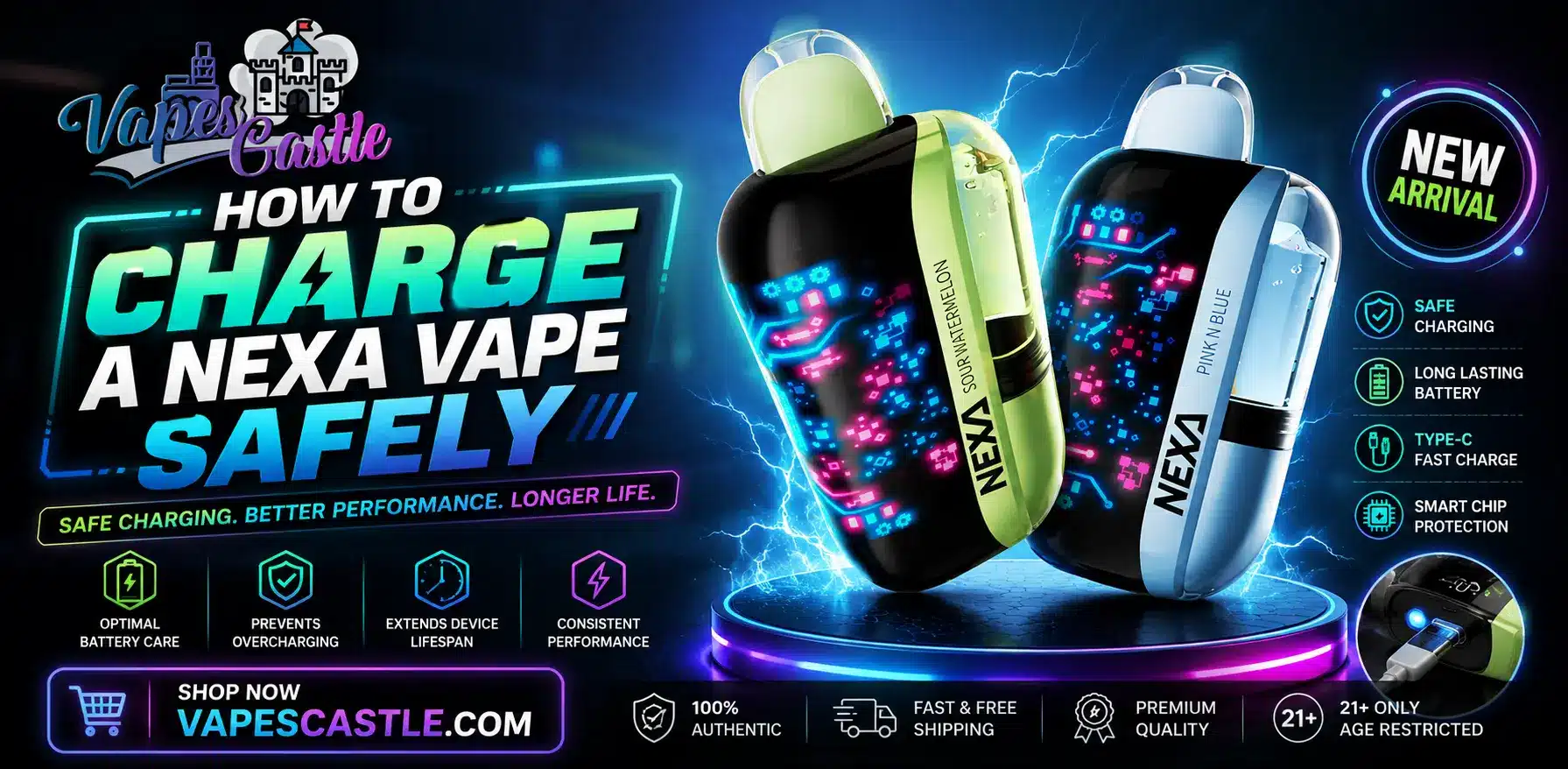
Nexa disposable vapes charge through a USB Type-C port using a standard cable and a low-output power source like a 5V/1A or 5V/2A adapter — avoid high-wattage fast chargers. Full charge times run roughly 45 to 90 minutes depending on the model. Unplug as soon as the LED or screen shows a full charge, avoid charging overnight, and never use a device that overheats or shows signs of battery damage.
Nexa disposable vapes come with rechargeable batteries. That’s what allows them to deliver 20,000 or more puffs from a single device. But a rechargeable battery only performs well when you charge it properly. Many users plug in their device with any cable lying around and hope for the best – that habit costs battery health over time. The steps below will help you avoid that.
What Type of Charger Does a Nexa Vape Use?
All current Nexa models charge through a USB Type-C port at the bottom of the device. You’ll need:
- A standard USB-C cable in good condition
- A low-output power source, such as a laptop USB port or a 5V wall adapter
- A clean, dry, flat surface to place the device on while charging
Nexa devices don’t ship with a cable in the box – any certified USB-C cable will work. Avoid fast chargers made for phones, since high-wattage adapters push more current than a small vape battery is built to accept. A basic 5V/1A or 5V/2A adapter is the safer choice.
Can You Charge a Nexa Vape With a Phone Charger?
Yes, but check the adapter first. Many modern phone chargers support fast charging at 18W or higher. If your adapter lists 5V output at 1A or 2A, it’s fine. If it only lists high-wattage fast modes, use a laptop USB port instead – slower charging is gentler on the cell inside the device.
How Long Does a Nexa Vape Take to Charge?
Charge time depends on the model and how empty the battery is. A fully drained battery takes longer than a partial top-up. This table gives typical figures for popular Nexa devices.
| Nexa Model | Battery Size | Charging Port | Approx Full Charge Time |
| Nexa N20000 | 650mAh | USB Type-C | 45-60 minutes |
| Nexa Pro 30K | 800mAh | USB Type-C | 60-75 minutes |
| Nexa Ultra 35K | 850mAh | USB Type-C | 60-90 minutes |
These times assume a standard 5V charger. Cold rooms, worn cables, and weak USB ports can stretch charging time – if your device suddenly takes much longer than usual, the cable or the battery may be wearing out.
How Do You Know When a Nexa Vape Is Fully Charged?
Most Nexa devices use an LED indicator or a small screen near the base. While charging, the light stays on or blinks slowly. Once the battery is full, the light turns off or the screen shows 100%. Unplug the device at that point – leaving it connected for hours after a full charge adds heat stress for no benefit.
Step-by-Step: How to Charge a Nexa Vape Safely
- Wipe the charging port with a dry cloth if you see dust or e-liquid residue
- Plug the USB-C cable into the device first, then into the power source
- Place the device flat on a hard surface, away from pillows, beds, or paper
- Check the LED or screen to confirm charging has started
- Stay nearby — never charge overnight or while you sleep
- Unplug as soon as the indicator shows a full charge
- Wait a minute or two before vaping so the battery can settle
That last point matters more than people think. Drawing power right after a charge puts extra load on a warm battery – a short pause keeps the cell cooler and extends its working life.
Common Nexa Charging Problems and How to Fix Them
Even with good habits, charging issues can appear. Most have easy fixes.
Why Is My Nexa Vape Not Charging?
Start with the basics – try a different cable, then a different power source. If the device still shows no response, inspect the port, since e-liquid can leak in and block the connection. Clean it gently with a dry cotton swab. If nothing works and the device is out of e-liquid anyway, it has reached the end of its life. Disposable batteries are not made to be repaired.
Why Does My Nexa Vape Get Hot While Charging?
Mild warmth is normal. Real heat is not. If the device feels too hot to hold, unplug it right away and move it to a non-flammable surface. Overheating usually points to a damaged cell, a bad cable, or a charger pushing too much current. Do not keep using a device that overheats repeatedly.
Lithium batteries that fail can vent or catch fire, and the FDA warns users to stop using any vape that shows signs of battery damage.
Battery Safety Rules Every Nexa User Should Follow
Charging habits are only half the story – how you store and carry the device matters too:
- Keep the vape away from direct sunlight, car dashboards, and heaters
- Never charge near water, sinks, or damp areas
- Do not carry the device loose in a pocket with keys or coins, since metal contact can short the battery
- Store it at room temperature when not in use
- Keep it out of reach of children and pets at all times
The FDA regulates e-cigarettes as tobacco products in the United States, and only adults aged 21 and over may legally buy them. Federal rules also require vape products to carry nicotine warnings and meet marketing standards.
How to Dispose of a Dead Nexa Vape
When your Nexa stops holding a charge or runs out of e-liquid, don’t throw it in household trash. The lithium battery inside can start fires in garbage trucks and landfills.
The EPA classifies vape batteries as hazardous waste and advises taking them to a local household hazardous waste collection point or an approved battery recycling site. Many vape shops also accept dead devices.
How to Make Your Nexa Vape Battery Last Longer
Everything in this guide comes down to one goal: getting the full life out of your device. Good charging habits are the difference between a Nexa that delivers its full puff count and one that dies early. Use a plain USB-C cable, stick to low-power adapters, unplug at full charge, and never leave the device charging unattended.
Watch for heat, clean the port now and then, and recycle the device responsibly when it’s done. These small steps take almost no effort, but they protect your device, your battery, and your home.
Nicotine Warning: This article discusses a vaping product that contains nicotine, an addictive chemical. Content intended for adults of legal vaping age only.
FAQs
What kind of cable does a Nexa vape use to charge?
A standard USB Type-C cable paired with a low-output 5V power source, such as a laptop USB port or wall adapter.
Can I use my phone charger to charge a Nexa vape?
Yes, if it outputs 5V at 1A or 2A; avoid high-wattage fast-charging adapters, which push too much current.
How long does it take to fully charge a Nexa vape?
Roughly 45 to 90 minutes depending on the model and battery size.
Why is my Nexa vape not charging?
Try a different cable and power source first, then check the port for e-liquid residue or debris blocking the connection.
Is it normal for a Nexa vape to get warm while charging?
Mild warmth is normal, but if the device feels too hot to hold, unplug it immediately and inspect it for damage.
Can I charge my Nexa vape overnight?
No, you should never charge it overnight or while unattended, as this increases heat stress and safety risk.
How should I dispose of a dead Nexa vape?
Take it to a household hazardous waste collection point or battery recycling site — never throw it in regular trash.